Projects/Portfolio Pro
Portfolio · 2026

Portfolio Pro

A modular portfolio builder that turns evolving work into distinctive, editable case studies.

RoleAI-Driven Product Designer & Builder
StatusCase study
FocusPortfolio · CMS · Responsive · Design System · Information Architecture
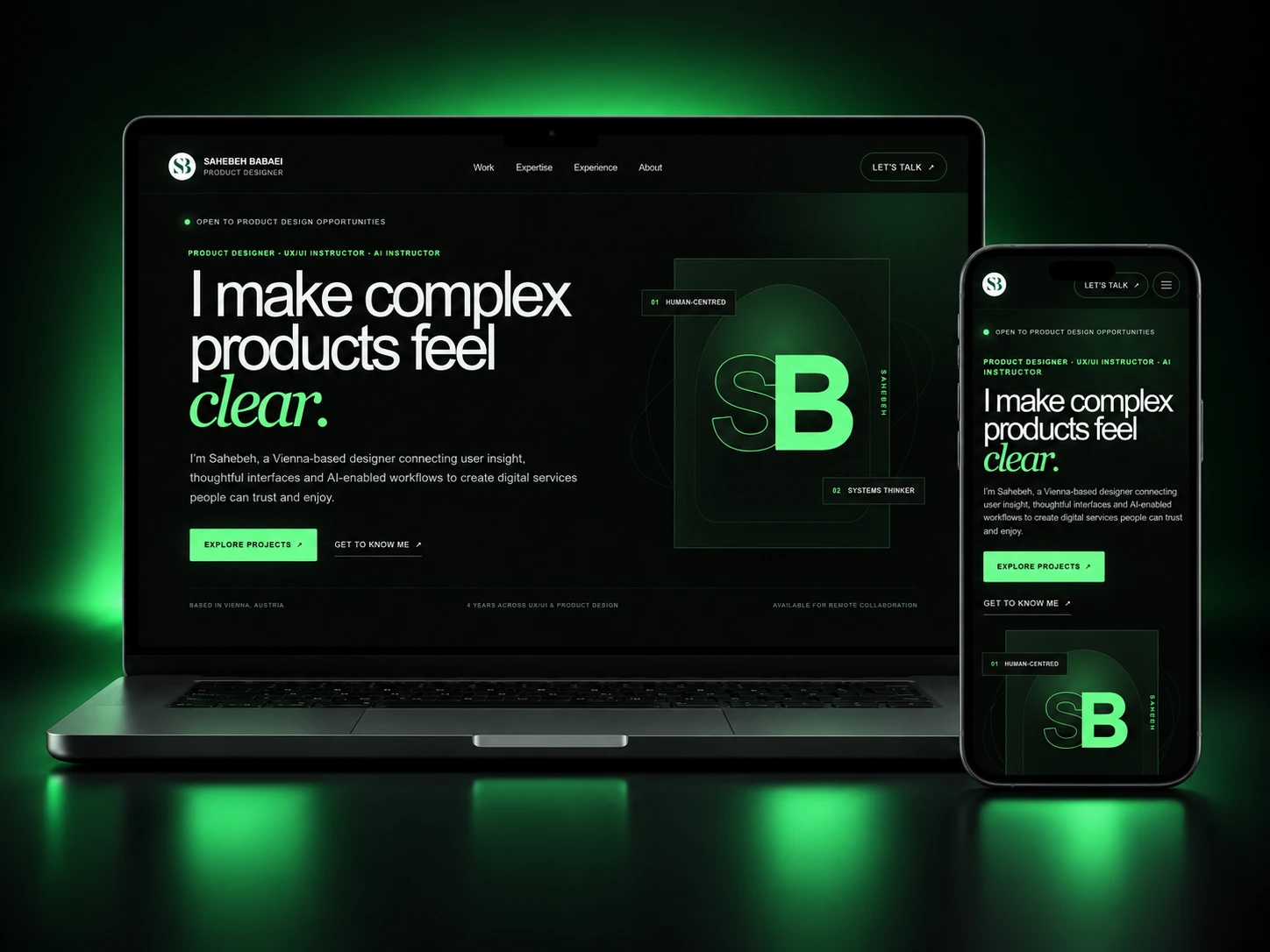
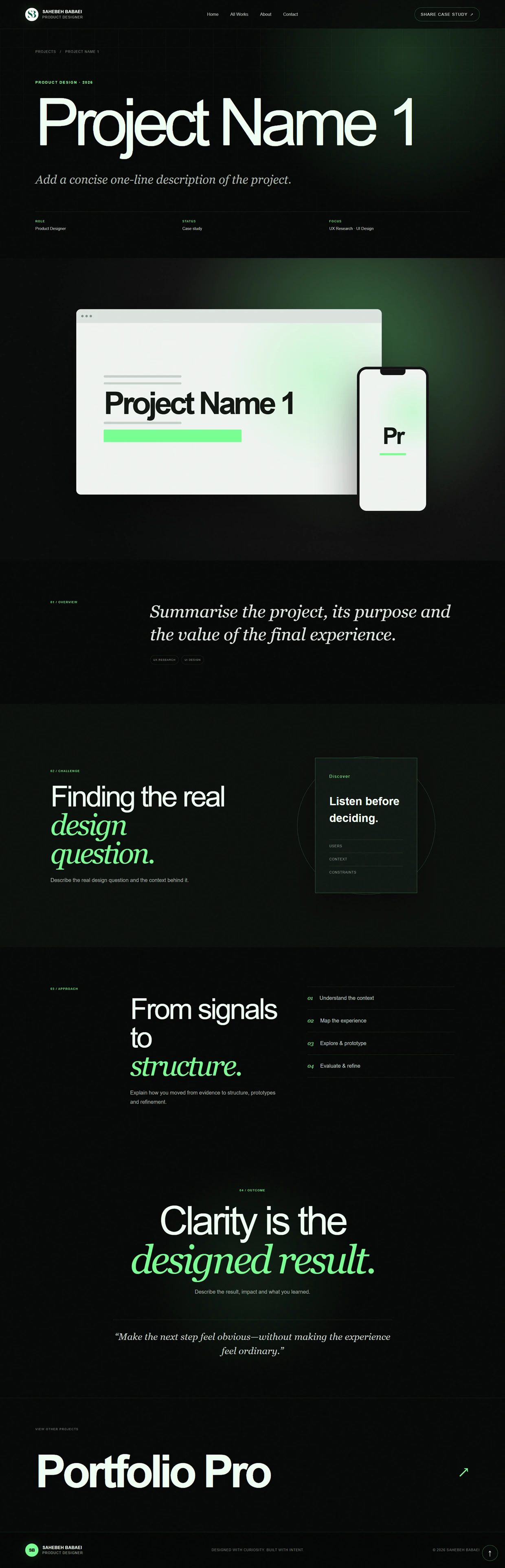
Portfolio Pro desktop interface
Portfolio Pro mobile interface
01 / Overview

What began as a personal portfolio became a system for building portfolios.

PortfolioCMSResponsiveDesign SystemInformation Architecture
02 / THE BEGINNING

It started simple.

Portfolio Pro began as a personal website—a straightforward place to introduce my work, experience and selected projects. But as the portfolio grew, maintaining a fixed website started to become the limitation. New projects needed different stories, different media and different ways of being presented.

03 / THE CHALLENGE

The content kept changing.
The website couldn’t.

The problem was no longer how to design another portfolio page. It was how to make the entire portfolio editable and adaptable without returning to the code every time the content changed.

THE DESIGN QUESTIONCan the portfolio adapt to the work?EDITREORDEREVOLVE
04 / PRODUCT SHIFT

From website to product.

The turning point was introducing a dedicated management layer. Instead of treating content as part of the codebase, the public portfolio became the presentation layer of a broader product. Projects, case-study content, visual identity, ordering and communication could now be managed independently from the public experience. The portfolio stopped being a collection of fixed pages and became a configurable system.

05 / PUBLIC EXPERIENCE

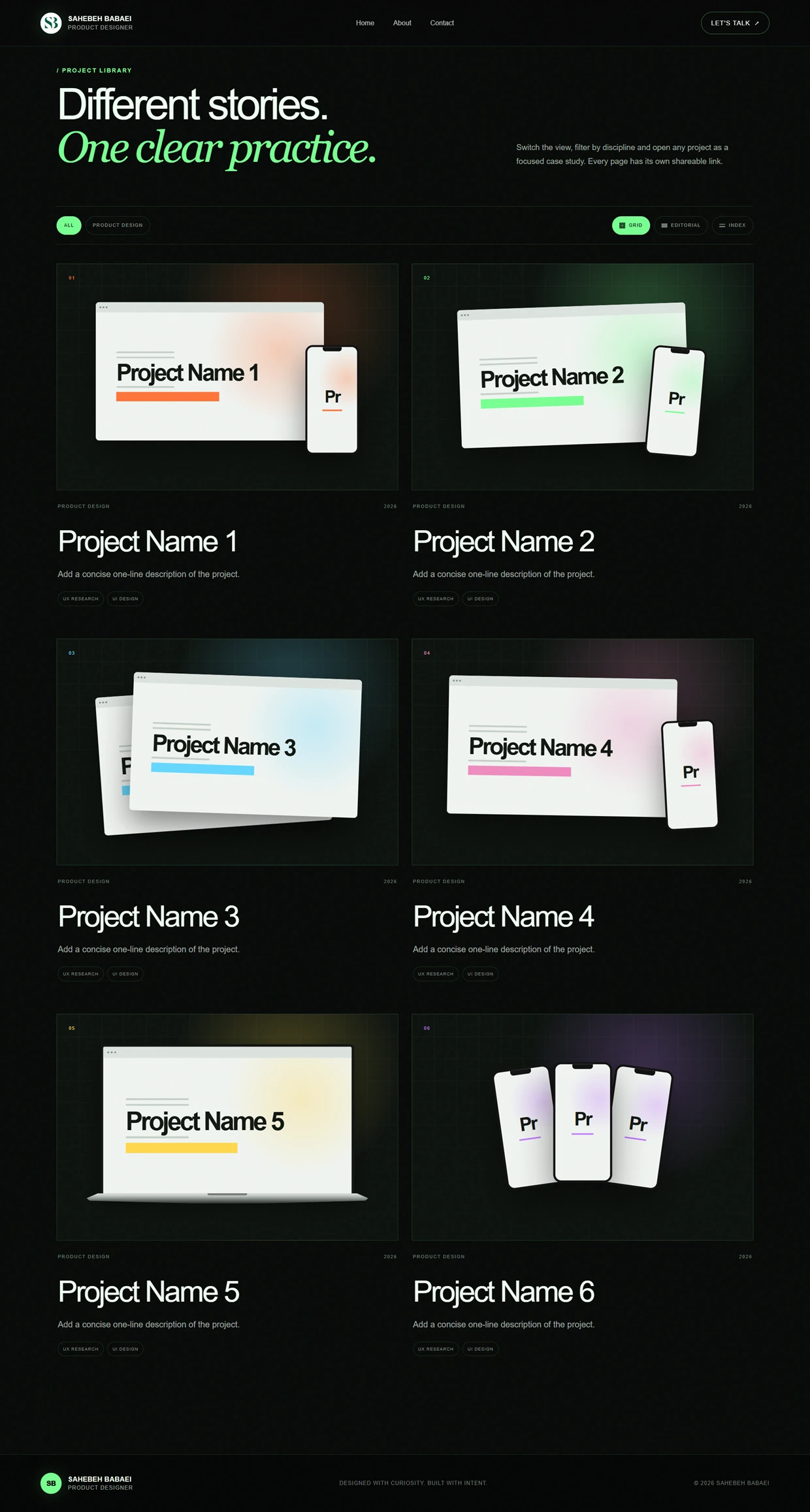
Four pages. One clear journey.

The public experience was deliberately kept compact. Each page has a clear role—from understanding the designer to discovering work, exploring a case study and starting a conversation.

Four pages. One clear journey. visual 1
06 / CONTENT ARCHITECTURE

Simple outside.
Flexible inside.

The public navigation stays intentionally small while the underlying content system supports significantly more variation.

  1. HomePositioning & selected work
  2. WorksComplete project library
  3. ProjectModular case-study storytelling
  4. ContactMessages & direct communication
07 / CASE STUDY BUILDER

Stories, not fixed templates.

The biggest evolution happened inside project pages. A new case study starts with a shared foundation, but it does not have to follow one fixed structure. Different section types can be added, edited and combined to build a narrative around the needs of each individual project. Every project follows the same system without being forced into the same story.

08 / MODULAR SYSTEM

Build the story as it grows.

Case studies are assembled from reusable section types. Each section has its own content structure and editing behavior, while the visual language stays consistent across the platform.

Build the story as it grows. visual 1
09 / STORY CONTROL

The story can change.

A case study rarely stays in the same structure forever. As new content is added or the narrative improves, sections can be reordered without rebuilding the page. The same flexibility applies at portfolio level: project ordering can be adjusted independently across areas such as Home and All Works.

10 / PROJECT IDENTITY

Same system. Different character.

Consistency did not need to mean visual sameness. Each project can carry its own accent color, allowing the case study to inherit part of the visual identity of the work being presented.

Same system. Different character. visual 1
11 / COVER SYSTEM

One project. More than one frame.

Project covers were designed as a presentation system rather than a single fixed mockup. Different types of work need different visual contexts.

One project. More than one frame. visual 1
12 / DESIGN DECISION

Consistency without repetition.

A single mockup style would make every project feel repetitive. Completely custom covers, on the other hand, would gradually break the visual identity of the portfolio. I solved this by creating a controlled family of presentation formats: enough variation to match different products, but enough shared structure to keep the portfolio recognisable as one system.

13 / DESIGN PRINCIPLE

Freedom needs boundaries.

Making everything editable was not the goal. Unlimited flexibility would eventually create inconsistent pages and make the system harder to maintain. Portfolio Pro therefore uses controlled flexibility: predefined section behaviors, shared typography and layout rules, with freedom over content, sequence, media and project identity. Flexible where it helps. Consistent where it matters.

14 / COMMUNICATION

Interest becomes contact.

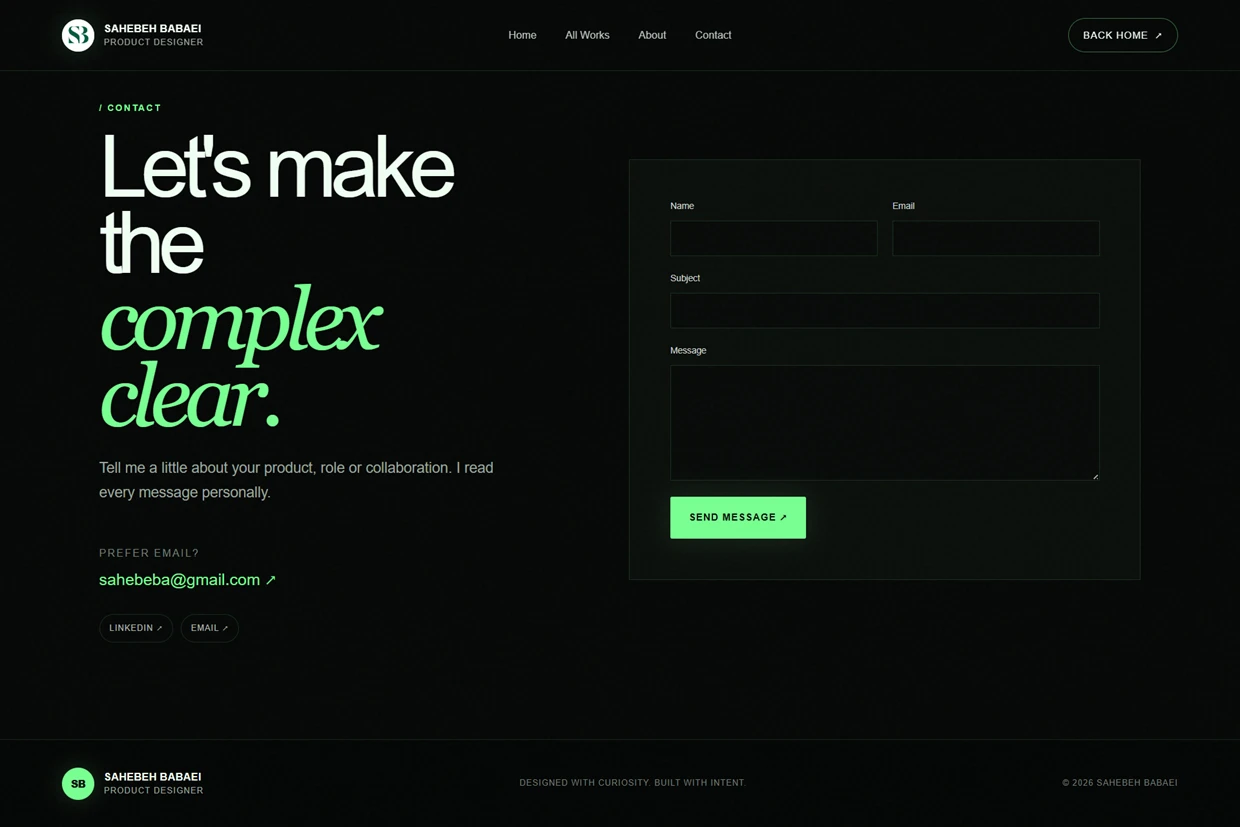
The portfolio is not only designed to present work; it also supports the next action. Visitors can send a message directly through the Contact experience, creating a clear path from discovering the work to starting a conversation.

Interest becomes contact. visual 1
15 / RESPONSIVE SYSTEM

Built beyond desktop.

The portfolio’s storytelling system also needed to survive changes in screen size. Layouts, media compositions and project covers were designed to preserve hierarchy across desktop and mobile rather than simply shrink.

Built beyond desktop. visual 1
16 / EVOLUTION

The product keeps moving.

Portfolio Pro is still evolving. New capabilities continue to emerge from real use: better editing controls, more flexible sections, richer cover options and stronger content management. What began as a solution for one portfolio has gradually become a broader system for creating and maintaining professional portfolio experiences.

17 / BUILD PROCESS

Design moved into the build.

The product was shaped through a tight design–implementation loop. Instead of treating the interface as a finished handoff, behaviors, responsive states and edge cases were continuously tested in the working product and refined through iteration. AI-assisted development tools helped shorten the distance between product decisions and working implementation.

  1. 01Figma
  2. 02Chatgpt & Cursor

    AI-assisted development

  3. 03GitHub
  4. 04Vercel
  5. 05Supabase
18 / MY CONTRIBUTION

Designed as a product.

My role expanded with the project. I started by designing a personal portfolio experience and ended up defining a broader product system: its public architecture, case-study model, editing logic, presentation patterns, responsive behavior and evolving feature set. The core design responsibility was always the same—turn increasing flexibility into something that still feels clear and intentional.

19 / THE SYSTEM

Different stories. One product.

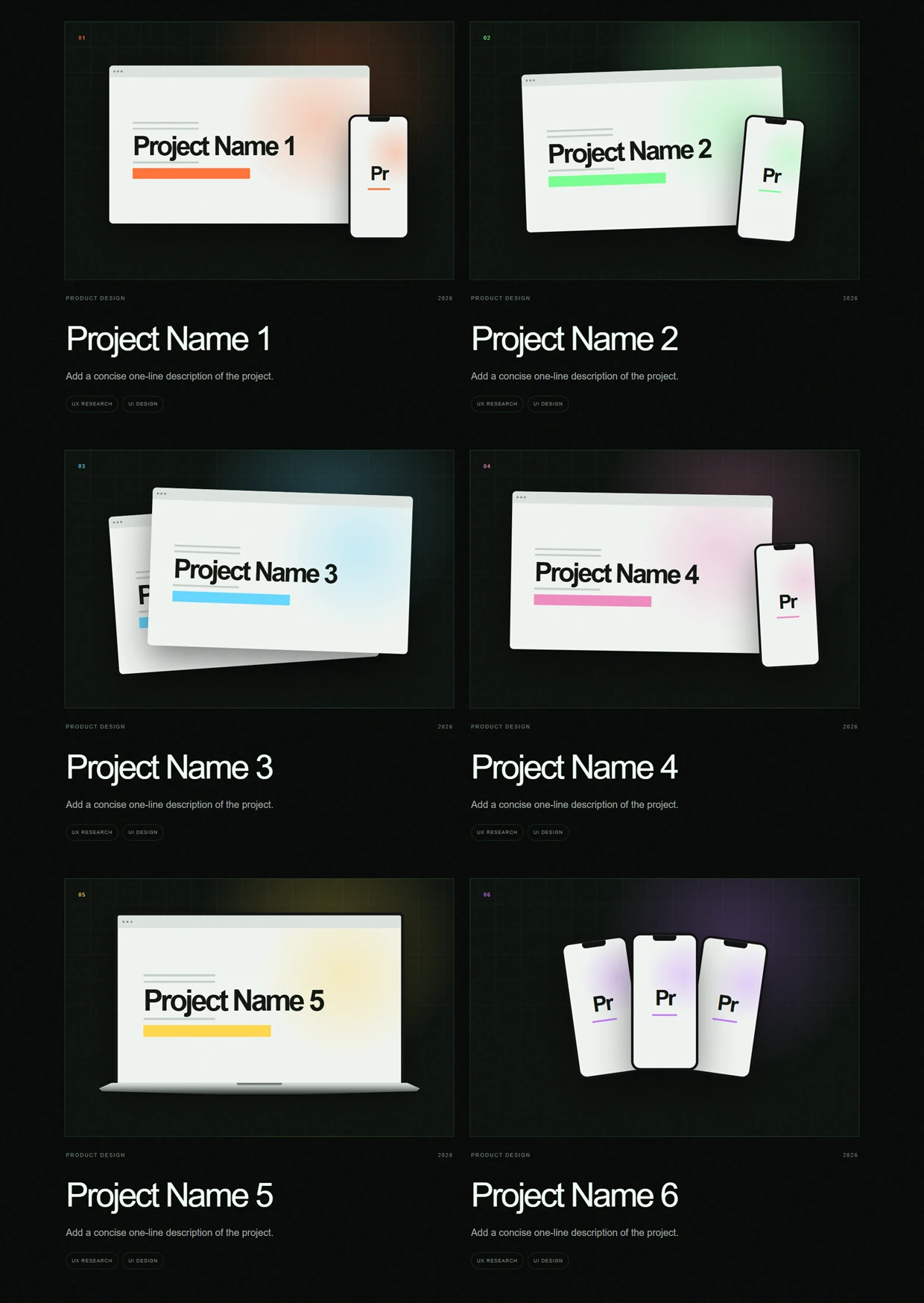
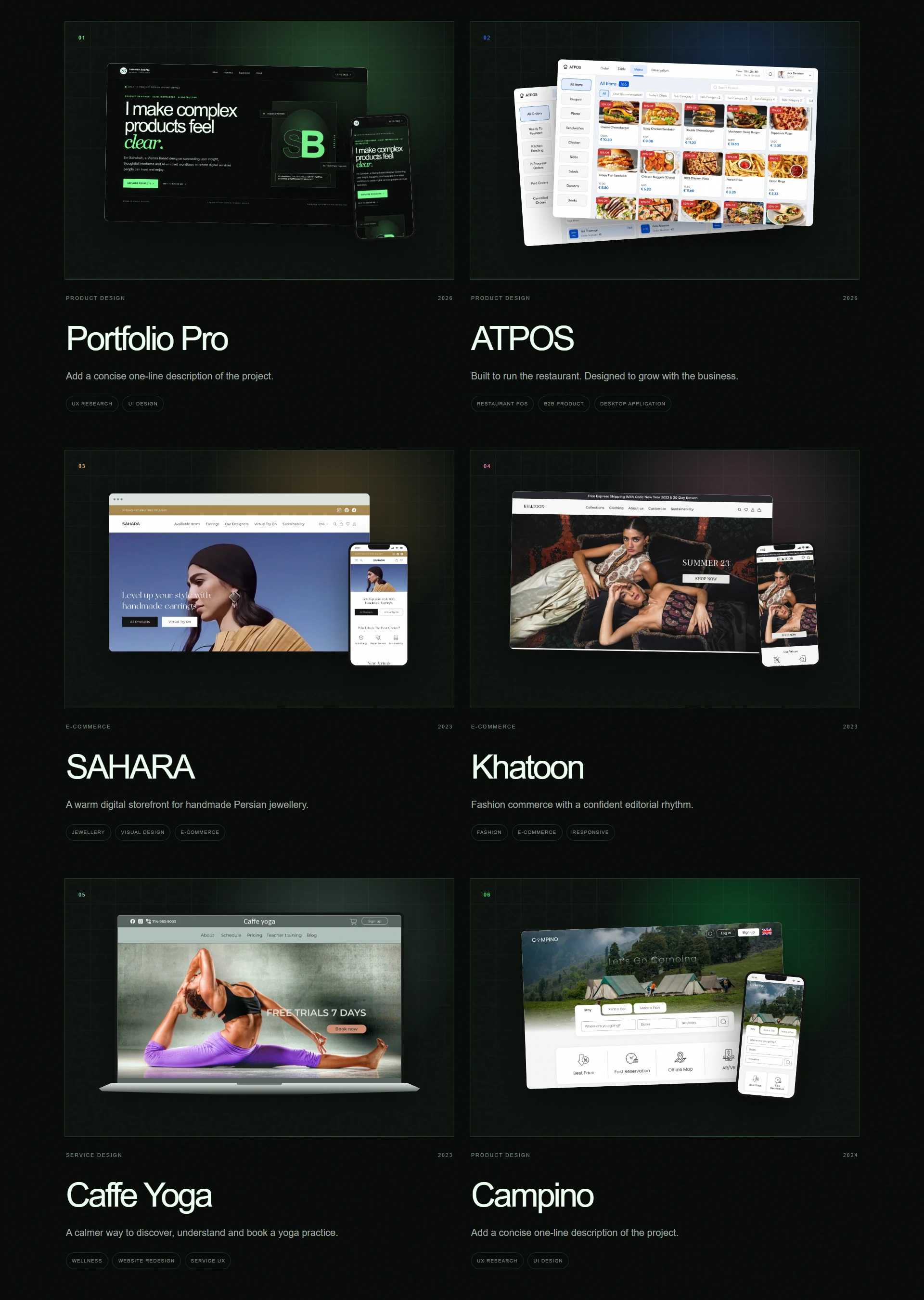
The final platform can present very different types of work—from operational software and commerce to editorial, service and mobile experiences—without losing its own identity.

Different stories. One product. visual 1
20 / Outcome

The portfolio
became the product.

What began as a personal website became a flexible platform for creating, organising and publishing portfolio stories—without redesigning the experience every time the work changes.

“Designed once. Built to keep evolving.”
View other projectsATPOS↗